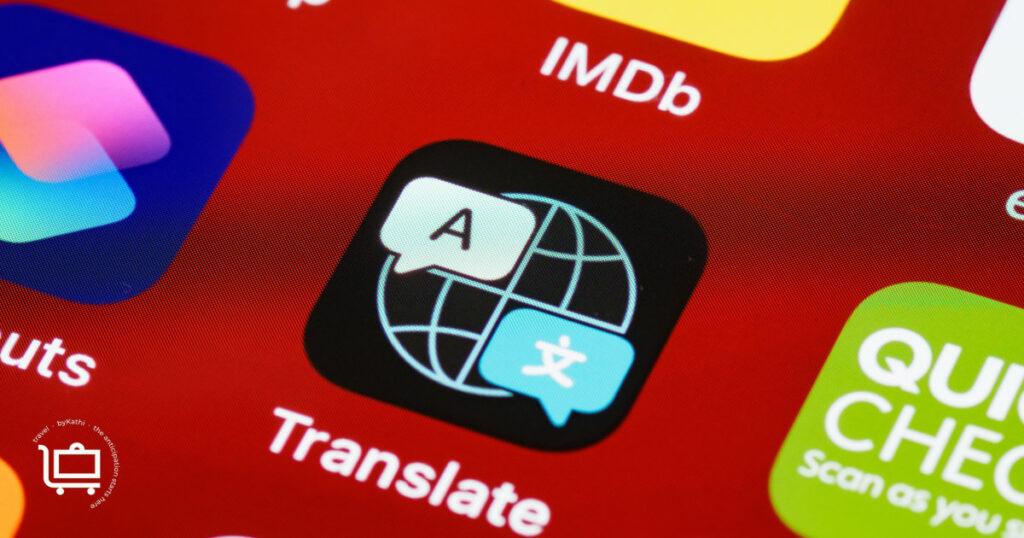
There is a window between now and when you board that plane where you have reliable wifi, full data, and enough time to actually learn how something works. Download these apps for international travel now, while you have all of that, not at the airport gate while the boarding announcement is playing. Download them, poke around in them, and arrive knowing how to use them.
None of these are complicated. All of them pay for themselves in the moment you need them.
Google Maps: Download the Offline Maps Before You Leave
Before you leave home, open Google Maps and download offline maps for every city on your itinerary. Search the city name and find the download option in the menu. It costs nothing, takes about five minutes per city, and means that when you land and your phone is still in airplane mode or your international data has not yet activated, you have full map access anyway.
Offline maps work for navigation, for spotting what is nearby, for figuring out where you are in relation to where you want to be. They do not require a connection. Download them from home on wifi, not from the airport as you are walking out the door.
One habit worth building: save each hotel as a named location before you arrive. Google Maps lets you save custom places — add your hotel as “Rome hotel” or “Paris apartment” and it lives in your saved places, accessible with one tap. No matter how far you wander, getting back does not require remembering an address in a language you may not speak.
CityMapper: Transit Navigation That Actually Works
If you are getting around a major city on the subway, bus, tram, or train, CityMapper is the app to have open. It gives you step-by-step guidance including which car to board to be closest to the exit, real-time service alerts, and alternative routes when something is disrupted. It takes the anxiety out of using an unfamiliar transit system because it walks you through each step.
When you first arrive in a city, set your hotel address as Home in CityMapper. Do this every time you change hotels. Update it as you move. No matter where you end up, getting back is one tap.
CityMapper covers most major European cities well. For smaller destinations where coverage is limited, Google Maps offline is your backup.
Google Translate: Practice the Camera Feature Before You Go
Most people know Google Translate exists. Fewer people have actually used the camera feature before they land somewhere they need it.
The camera feature translates text in real time by pointing your phone at it. Menus, signs, museum placards, the note a shop has taped to its door. You hold the phone up and the translation appears overlaid on the original text. It works across dozens of languages and it feels like a small miracle the first time you actually need it.
Practice this at home before you go. Pull up a French or Italian website or restaurant menu on your laptop, then point your phone camera at the screen. It translates whatever it sees, including other devices. Once you have done this once it feels obvious. The first time you try it should not be in front of a waiter while your table is waiting on you.
Apple Translate: For Speaking With People
If you need to have a back-and-forth conversation with a shopkeeper, a taxi driver, someone giving you directions, Apple Translate handles this better than Google. It has a Conversation mode designed specifically for two people speaking to each other, alternating languages in real time. It also works offline once you have downloaded the language pack.
Download Italian, French, or whatever language you need before you leave. The offline capability matters when you are somewhere without data and need to communicate.
WhatsApp: Group Communication Without the International Charges
If you are traveling with other people, WhatsApp is how you stay in contact without burning through your international data or running up per-minute call charges. It sends messages and makes calls over a wifi or data connection, the same way at home as anywhere else in the world.
Set up a group for your travel party before you leave. This is how you coordinate when the group splits up, confirm plans in real time, and find each other when someone gets turned around. Check the notification settings for your travel group specifically before you leave. You want those messages coming through in real time, not silenced along with every other group on your phone.
Wanderlog: Your Curated City Guide in Your Pocket
Wanderlog is a trip planning app, but the way I use it is as a guide for wherever I am in the moment. It surfaces what is recommended nearby, organized by neighborhood or part of the city. When you find yourself with an unexpected hour or you are trying to figure out what is worth doing in the area you are standing in, the answer is already there, not a Google search you have to interpret, but a curated guide built around where you actually are.
Load it up before you leave with the destinations on your itinerary. The investment is at home, so the payoff is in the moment.
Your Phone Plan: Sort This Out Before You Leave
This is not an app. But it belongs in this conversation because not dealing with it causes more disruption than any missing app would.
Your standard US carrier plan almost certainly does not include international data by default. Before you leave, contact your carrier and get clear answers: what does my plan cover internationally, what does it cost if I go over, what add-on options are available.
A few habits that help regardless of plan: turn off automatic app updates while abroad, they burn through a data budget quietly and quickly. Download any music or shows you want before you leave rather than streaming on international data. Enable wifi calling before you go so you can call home from a wifi connection without per-minute charges. Bring a portable battery pack — I’ve never regretted having one. A full day of navigating, photographing, translating, and communicating will drain your phone before you make it back to the hotel. More on what else to pack in What Goes in the Bag and what to sort out on paper in Documentation to Sort Before You Leave the Country.
Most European cities have plenty of free public wifi. Free and public means you are on an open network. If you want to protect your data, a VPN is worth looking into. Check with your internet provider first, as it may already be included in what you pay.
Rick Steves Audio Europe: Free and Better Than a Paid Tour
We have been fans of Rick Steves since our first trip to London. His Audio Europe app has free audio guides for cities and specific sites across Europe and they are excellent.
His voice has a quality that makes you feel like you belong wherever you are. His guidance is practical, his content works offline once downloaded, and there is more of it than you will have time to use.
Download the content for your specific destinations before you leave home. Once you are there, playing a Rick Steves audio guide while you walk is one of the better decisions you can make on any given afternoon.
City-Specific Apps
Every city has its own apps worth knowing: transit apps, local taxi services, regional rail. These change depending on where you are going and are covered in the destination-specific articles for each trip. Check those before you leave for anything beyond this core list.